Workably vs. HubSpot at a glance
| Workably | HubSpot Sales Hub | |
|---|---|---|
| Built for | Agencies and studios of 1–20 people | Companies of every size |
| Free plan | Yes, 1 user | Yes, up to 2 users |
| Paid plans | $12–$25 per seat a month, no minimum | Professional listed at $90–$100 per seat a month, plus a one-time $1,500 onboarding fee |
| Setup | An afternoon, no consultant | Often a project; Professional requires paid onboarding |
| Retainers, renewals and MRR | Built in | Possible with custom setup |
| Calling from the browser | Add-on, $20/mo for 300 minutes | Available; details vary by plan |
| Marketing automation and email campaigns | No | Yes, very strong (Marketing Hub) |
| App marketplace | Zapier, API, Google Calendar and Contacts | Huge, hundreds of native integrations |
HubSpot prices from hubspot.com/pricing/sales, checked November 2026. Prices change, so check HubSpot's site for current figures.
When HubSpot is the better choice
Be honest with yourself here. Stay with HubSpot if you run email marketing campaigns and lead nurturing from your CRM, need lots of native integrations, or have a dedicated person who manages the CRM full time.
When Workably is the better choice
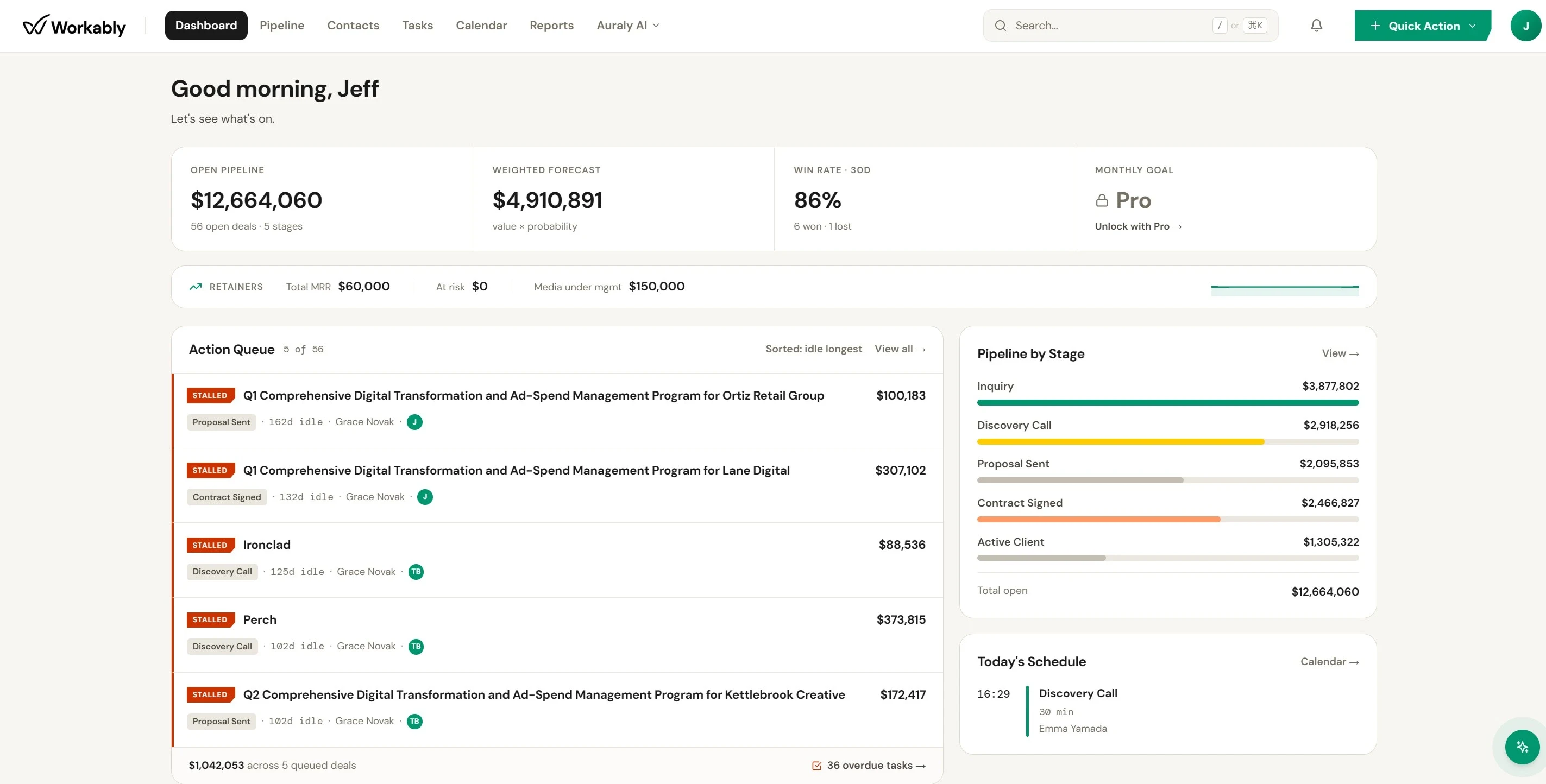
You mainly need to track clients and new business
Pipeline, contacts, tasks and calendar, ready in an afternoon.
Your revenue is retainers
Monthly fees, renewal dates, at-risk clients and MRR are built in, not something to configure.
You don't want a per-seat bill that scares you
A 5-person team on Growth billed annually is $60 a month.
You want AI built into the plan
Auraly, the built-in AI co-pilot, flags what needs attention and drafts follow-ups. It comes with the plan, not as a separate purchase. Full Auraly is on Pro.
Switching from HubSpot
Export your contacts from HubSpot as a CSV and upload it to Workably. It maps the columns for you. Set up your pipeline stages, add your current retainers, and connect Google Calendar.
Simple pricing
Every account starts with 14 days of full Pro, free. No card needed. Prices are per seat, with no minimum.
1 user, up to 1,000 contacts. Pipeline, tasks, calendar sync and retainer tracking.
$12 billed annually. 10,000 contacts, MRR & retainer analytics, weekly AI report, team roles.
$20 billed annually. Unlimited contacts, full Auraly AI, AI email drafting, AI reports and deal scoring.
Optional add-ons on a paid plan: Calling $20/mo (300 minutes), AI Call Summary $20/mo, AI Receptionist from $38/mo. Texting is coming soon. Full pricing →
Questions
Is Workably cheaper than HubSpot?
For most small agencies, yes. Workably's paid plans are $12–$25 per seat a month with no minimum. HubSpot's free plan is cheaper for very small teams, but its Professional plan is listed at $90–$100 per seat a month plus onboarding.
Can I import my HubSpot contacts?
Yes. Export them from HubSpot as a CSV and upload to Workably, which maps the columns for you.
Does Workably do email marketing?
No. Workably logs and sends one-to-one emails with clients, but it doesn't run marketing campaigns. If you need that, HubSpot is stronger.
Can I try it before switching?
Yes. Every account gets 14 days of full Pro, free, with no card.
Does Workably include calling?
Yes, as an optional add-on: in-browser calling with 300 minutes a month for $20, on a paid plan.
Related
Try it next to HubSpot for 14 days.
Import a CSV of your clients and see whether Workably covers what your agency actually uses. No card needed.
Start free →